Day 1 - Docker 기초
Day 1 - Docker 기초
목차
1. Ubuntu 컨테이너 실행
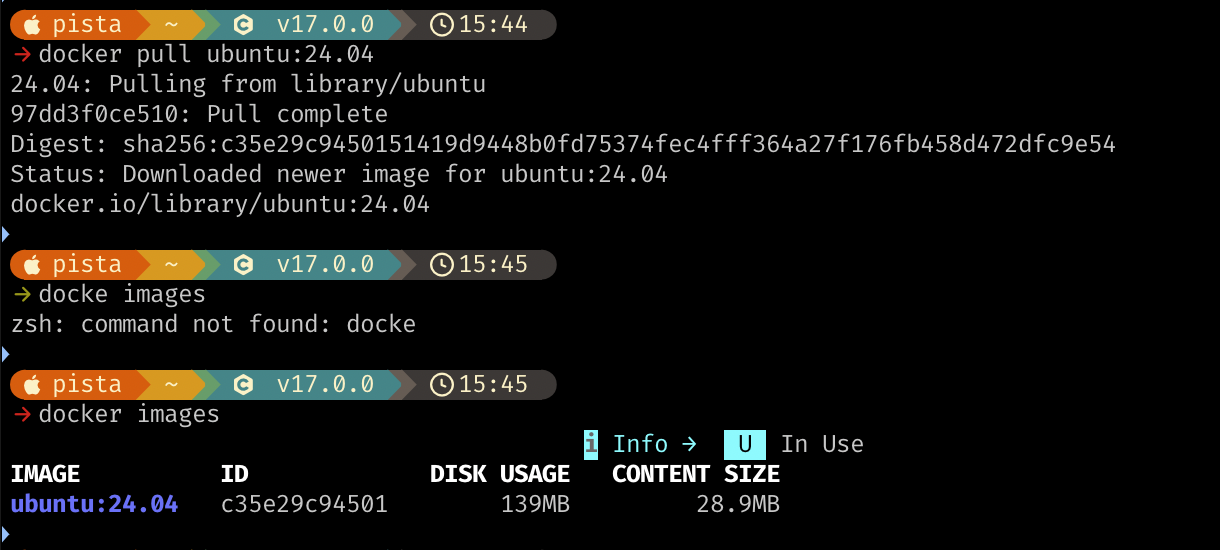
docker pull ubuntu:24.04
docker run -it ubuntu:24.04
2. Nginx 웹 서버 구축
# 컨테이너 실행
docker run -it -d -p 80:80 --name web2 ubuntu:24.04

# Nginx 설치
docker exec web2 /bin/bash -c "apt update && apt install -y nginx"

# index.html 복사
docker cp index.html web2:/var/www/html/index.html

# Nginx 시작
docker exec web2 service nginx start

결과
curl -I http://localhost

3. Volume Mount
호스트 디렉토리를 컨테이너에 마운트하여 파일 수정 즉시 반영
docker run -it -d -p 80:80 --name web3 \
  -v $(pwd)/static_main_page:/var/www/html \
  ubuntu:24.04

docker exec web3 /bin/bash -c "apt update && apt install -y nginx"
docker exec web3 service nginx start
로컬
index.html수정 후 새로고침하면 바로 반영
